Create your Kinsula account
Sign up for a secure Kinsula cloud account so your glucose logs, medications, and Recovery Island progress sync across devices.
By Isaac Williams
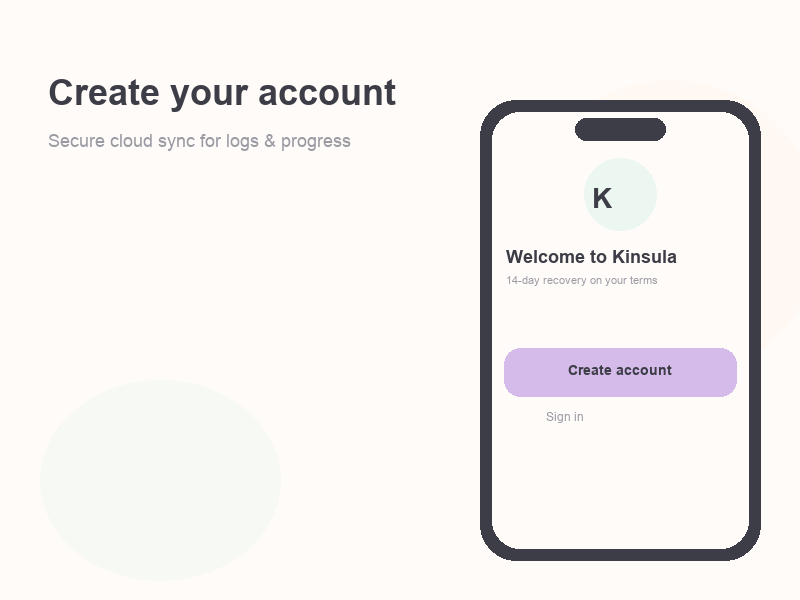
Your Kinsula account stores your recovery logs in the cloud (kinsula-api) so you can sign in on a new phone without losing your 14-day program progress.
Before you begin
- Use a personal email you check regularly — it is used for sign-in and account recovery.
- Kinsula supports recovery habits and education; it does not replace your clinician. Always follow your hospital discharge plan.
Steps
- Open the patient app at kinsula.expo.app (or the link your care team shared).
- On the welcome screen, choose Create account (or Sign up).
- Enter your email and a strong password. Confirm the password field matches.
- Complete any email verification step if prompted.
- Sign in with the same credentials if the app returns you to the login screen.
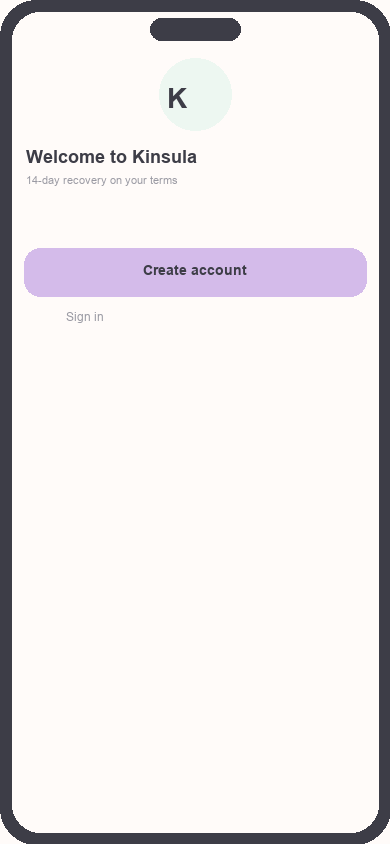
Welcome screen with Create account
Focus: Highlight the Create account button
- Accept the in-app terms and privacy notice so cloud sync can be enabled for your logs.
- Continue to onboarding — you will set up your care profile next (diabetes type, targets, and optional hospital link).
Tip: If you already have an account, use Sign in instead. Use Forgot password from the login screen if you need to reset access.
What happens next
After account creation, onboarding walks you through care profile setup and Day 1 on Recovery Island. See Set up your care profile and glucose targets for the next steps.
Need more help?
Email support@suncture.io or return to the guides index.
Related guides
More step-by-step help for the Kinsula patient app.
Complete daily notes and quick routines
Use daily notes and Quick Log routines (Morning, before meal, after meal, Night) to capture glucose, meds, insulin, and reflections in fewer taps.
Connect your care team with Health Auth
Use Health Auth to share structured Care Review data with your hospital care team only when you explicitly consent — common in Evercare-linked pilots.
Log meals and track how food affects glucose
Record meals and snacks with timing so you can compare pre- and post-meal glucose and learn patterns during Recovery Island.
Log medications and build adherence
Add discharge medications, log doses with Quick Log routines, and review adherence so you and your care team see a clear med history.
Log your first glucose reading
Record a blood glucose value with context (fasting, before meal, after meal) using Quick Log or a single reading entry on the Log tab.